
 Loading...
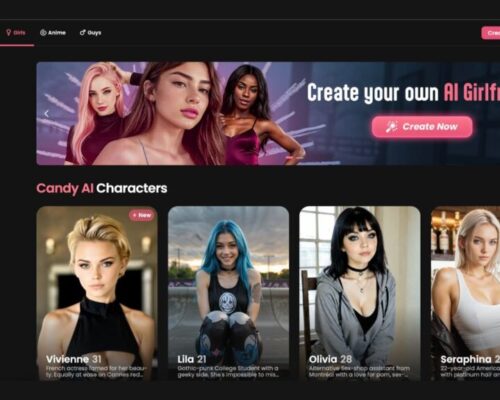
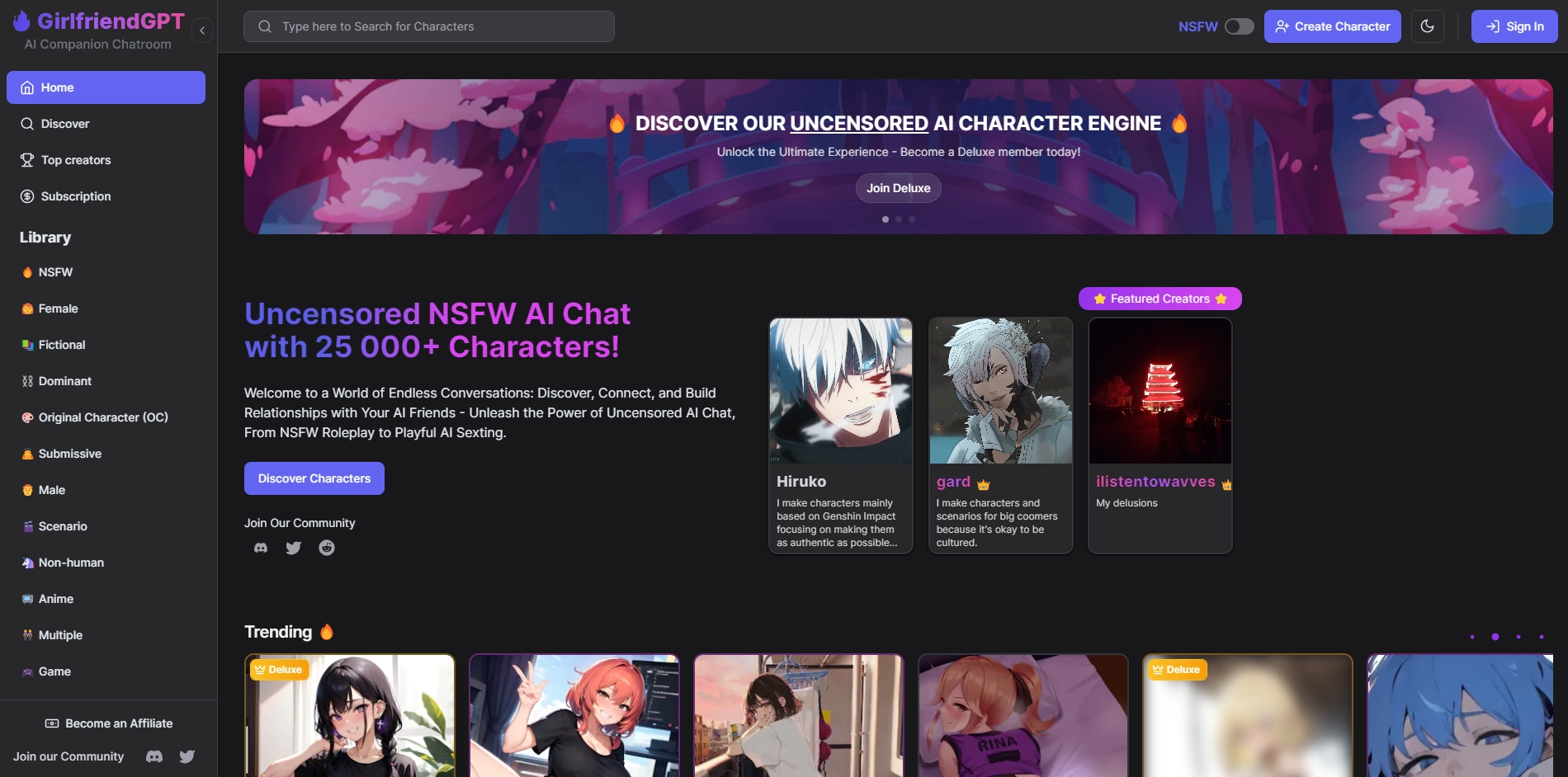
GPTGirlfriend opens with a set of ready-made characters, each with a short description that hints at how they behave and what kind of interaction you can expect. You can start chatting with one of them right away, or treat them as a base and change things to fit your own idea.
The platform leans into the idea that you’re not just talking to a bot, but shaping a personality as you go.
Ready profiles or full customization
If you don’t feel like building from scratch, the library of pre-made characters is a good starting point. They already have a tone, style, and general direction for how conversations unfold. But if you prefer more control, you can adjust appearance, traits, and conversational style through simple prompts.
It’s easy to move between using a template and making something more personal.
Matching visuals to personality
There’s also an image tool built into the system. You can generate pictures for your character in different styles — anime-inspired, semi-realistic, or closer to photorealistic. This makes it possible to give the character a consistent look that matches how they “act” in conversation.
The image generator works as a companion to the chat rather than a separate feature.
A comfortable space for creative interaction
GPTGirlfriend feels approachable because it doesn’t overwhelm you with options. You pick a character, start talking, and tweak things as you go. The tools are flexible enough to let you shape something unique without feeling technical.
Related Creative Content Categories
• AI character creation platforms and digital avatar tools
• Interactive storytelling engines and narrative generators
• Virtual companion apps and conversational AI systems
• Anime, CGI, and photorealistic image generation suites
• Digital art customization and creative prompt design
• User-generated virtual worlds and character libraries
• Immersive AI experiences and simulation-based media
• Cross-platform tools for 3D and 2D visual rendering
• Modern generative models for creative exploration